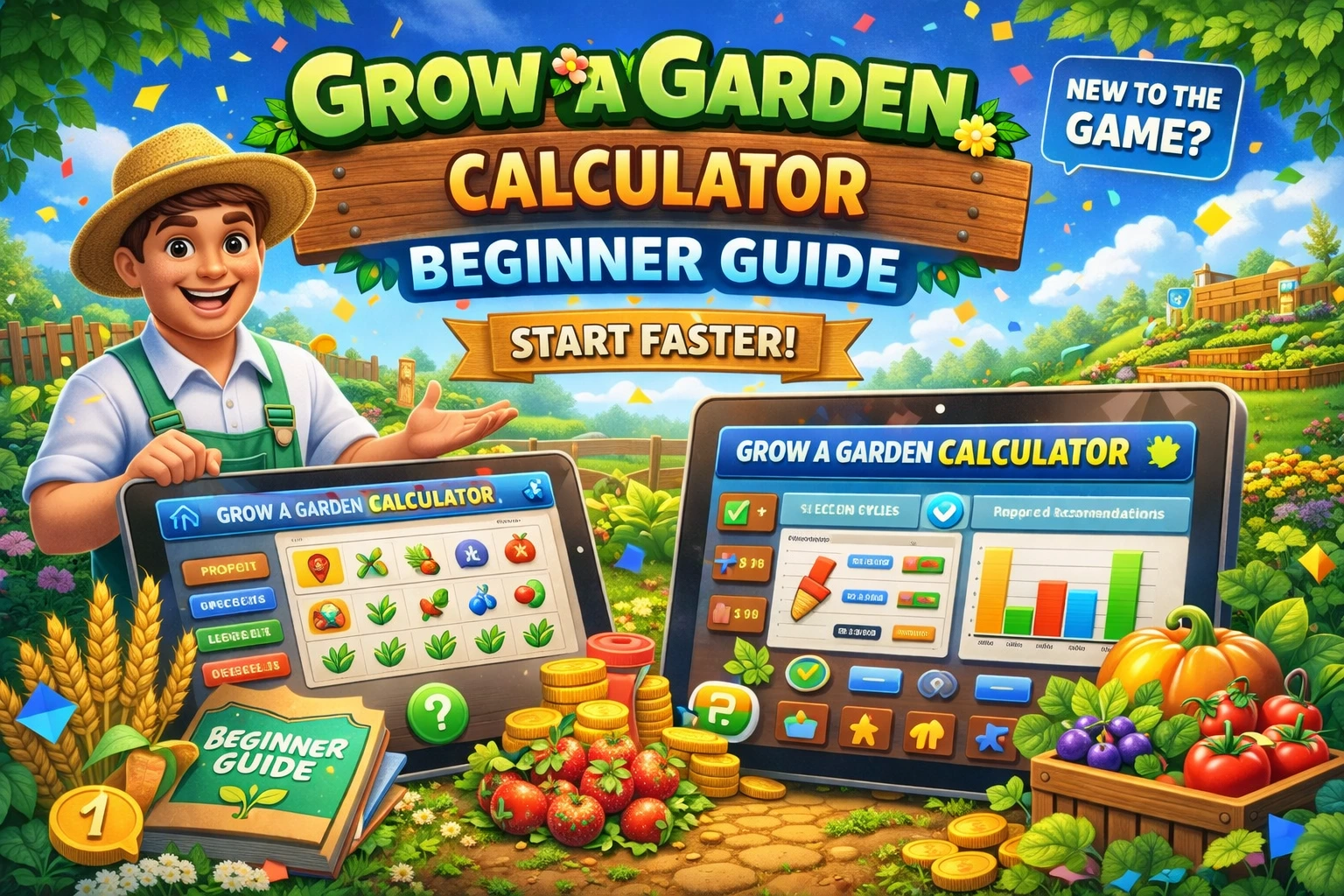
Grow a Garden Beginner’s Guide 2026 — How to Go From 20 Sheckles to Your First Million
If you just started playing Grow a Garden on Roblox, the first few minutes can feel overwhelming. You spawn with 20 Sheckles, a tiny plot of land, and no idea what to do first. This guide covers everything a new player needs to know — in the exact order you need to know it — so you stop guessing and start earning Sheckles efficiently from day one.
What You Start With — and What to Do First
Every new player in Grow a Garden begins with 20 Sheckles and access to Sam’s Seed Shop. Your first instinct might be to buy the most expensive seed available. Do not do this.
Buy Carrots first. Carrots cost 10 Sheckles each and are the most beginner-friendly crop in the game for three reasons:
- They grow quickly, so you see your first harvest fast
- They are a multi-harvest crop, meaning the plant stays in the ground and keeps producing fruit without you replanting
- Every Carrot you harvest and sell to Steven at the Sell Stall gives you Sheckles to reinvest immediately
Plant your 2 Carrots, wait for them to grow, harvest the fruit, and sell it. You now have more Sheckles than you started with. Repeat this loop until you have enough to diversify into better seeds.
Your early seed priority:
- Carrots — get your first Sheckles rolling
- Strawberries — slightly higher value, still affordable
- Blueberries — consistent income, multi-harvest
- Tomatoes — good mid-early crop once you have 50+ Sheckles
Do not spend everything on one expensive seed early. Steady multi-harvest crops give you consistent income far better than one rare plant that takes 10 minutes to grow and only harvests once.
Talk to Eloise — Free Seeds Every Single Day
This is the single most important habit a new player can build, and most beginners miss it entirely.
Eloise is the NPC at the Gear Shop. Talk to her every time you log in. She gives you three daily quests — simple tasks like:
- Plant a certain number of Carrot seeds
- Harvest Blueberries
- Earn a set amount of Sheckles
Completing these quests rewards you with free Seed Packs. Seed Packs can contain exotic seeds worth far more than anything you could buy from Sam’s shop at this stage. In the early game, Eloise’s quests are your fastest path to higher-value crops without spending Sheckles.
Rule: Always check Eloise before you do anything else when you log in. Accept her three quests, then play around completing them naturally as you farm.
Understanding the Sell Stall — Where Your Money Actually Comes From
All your harvested crops get sold to Steven at the Sell Stall. The value Steven pays depends on:
- The base value of the crop species
- The weight in kg of each individual fruit
- Any mutations the fruit has picked up
This is why two players can harvest the same crop species and earn completely different amounts. A heavier fruit is worth more. A fruit with a mutation is worth dramatically more. At the beginner stage you will not have heavy fruits or mutations yet — that comes later — but understanding this now sets you up to make better decisions as you progress.
Use the Grow a Garden Calculator to check the value of any crop before you sell it. Select the crop, enter its weight from your inventory screen, and the calculator tells you its exact Sheckle value. This takes 30 seconds and prevents you from accidentally underselling a fruit that turns out to be worth far more than a typical harvest.
Your First Pet Egg — What It Is and Why It Matters
Once you have earned enough Sheckles, your next major priority is buying your first Egg from the Egg Shop. Pets are not just cosmetic companions — they actively boost your garden while they roam around your plot.
Different pets have different abilities. As a beginner, the most accessible eggs are:
- Common Egg — affordable starting point, pets from this egg provide basic passive abilities like occasional seed drops or small crop boosts
- Bee Egg — slightly more expensive but highly recommended early. Bee and Honey Bee pets can apply the Pollinated mutation (3x multiplier) to your crops, which means your fruits start gaining real value multipliers even before you get access to rarer mutations
How pets work: Once hatched, place your pet in your garden. It will roam automatically and trigger its ability on a cooldown timer. You do not need to do anything — it works passively while you farm.
The older your pet gets, the heavier it becomes. Pet weight determines pet trade value. A freshly hatched pet and the same pet at age 50 are not worth the same in trades. Use the Pet Weight by Age calculator to check your pet’s expected weight at any age before you consider trading it.
Weather Events — How Free Mutations Work and Why You Should Care
This is the mechanic that separates good beginners from great ones.
Grow a Garden has a dynamic weather system. At random intervals, the weather on your server changes — rain, snow, thunderstorm, Blood Moon, and others. These weather events are not just atmospheric. They apply mutations to crops that are actively growing in your garden when the weather hits.
Here is what each beginner-accessible weather event does to your crops:
| Weather | Mutation Applied | Multiplier |
| Rain | Wet | 2x |
| Snow / Blizzard | Chilled | 2x |
| Thunderstorm | Shocked | 100x |
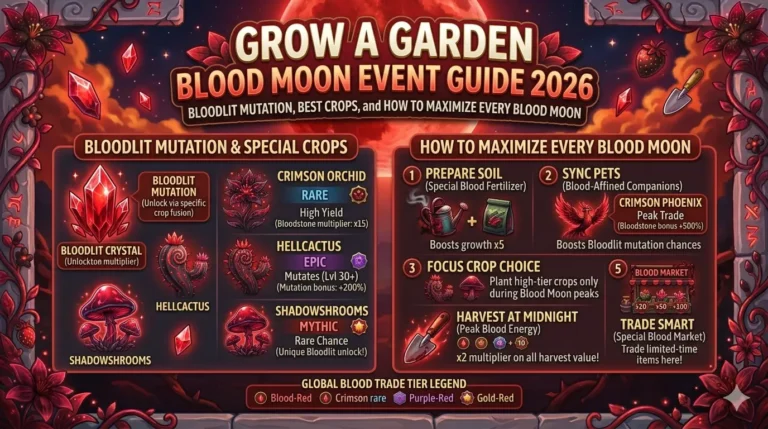
| Blood Moon | Bloodlit | 4x |
| Night Event | Moonlit | 2x |
The most important one for beginners: Thunderstorm → Shocked mutation (100x). A crop with the Shocked mutation is worth 100 times its normal base value. A basic Carrot that would normally sell for a few hundred Sheckles becomes worth tens of thousands when Shocked.
How to take advantage of weather:
- Always keep multi-harvest crops in the ground so they are actively growing when weather hits
- Do not harvest your crops right before a thunderstorm — wait for the storm to pass and see if your fruits pick up the Shocked mutation first
- When you see weather changing in the server, open the calculator, select your crop, apply the expected mutation, and check what your harvest will be worth before you sell
Garden Layout — Making the Most of Your Plot
New players often plant seeds randomly and waste space. A few simple layout rules make a big difference:
Prioritise multi-harvest crops. Plants like Carrots, Strawberries, Blueberries, and Beanstalk keep producing fruit after each harvest without needing to be replanted. Single-harvest crops like certain flowers are removed from the ground after one collection, meaning you need to buy and replant constantly.
Keep your garden full at all times. An empty plot slot is earning you nothing. The moment you harvest a single-harvest crop, replant immediately. Every minute a plot is empty is income you are not earning.
Sprinklers increase fruit size. Once you can afford a basic Sprinkler from the Gear Shop, place it in your garden. Sprinklers increase growth speed and the size of your fruits — and bigger fruits mean heavier weight, which means more Sheckles per harvest.
The Friend Boost — Free 10% Extra Sheckles
If you join a server where another player is present, or invite a friend to your private server, you receive a Friend Boost — a percentage increase to your crop sell value. This stacks in the calculator when you add the friend boost percentage to your calculation.
A free VIP private server (available to all Roblox players) lets you invite up to 4 friends. With friends present you can get up to a 40% bonus on every crop you sell. This is entirely free and one of the most underused mechanics by new players.
The Calculator — Why You Need It From Day One
Most beginners start using a calculator only after they get their first rare crop or mutation. Start using it earlier than that.
The Grow a Garden Calculator is useful even at the beginner stage because:
- It shows you the exact value of your crops before you sell them, so you know if a fruit is heavier than normal and worth holding for a trade
- It lets you compare different crops to decide which seeds are worth buying next
- It helps you understand how mutations change value — so when you get your first Shocked crop, you know exactly what you have
Using the calculator from the beginning builds the habit of data-driven play that separates new players from experienced traders.
Beginner Milestones — What to Aim For
Use these as your progression checkpoints:
0 – 500 Sheckles: Plant Carrots and Strawberries. Complete Eloise’s daily quests. Sell everything to Steven.
500 – 5,000 Sheckles: Upgrade to Blueberries and Tomatoes. Buy your first Common Egg and hatch your first pet.
5,000 – 50,000 Sheckles: Buy a Bee Egg. Start watching weather events and leaving crops in the ground during storms. Buy your first Sprinkler.
50,000 – 500,000 Sheckles: Access exotic seeds from Eloise’s quest rewards or the seed shop. Start using the calculator for every crop before selling. Look for multi-harvest exotic plants like Beanstalk.
500,000 Sheckles+: Begin participating in weekly events, farming for rare event seeds, and learning mutation stacking. This is where the game’s real depth begins.
Common Beginner Mistakes to Avoid
Harvesting during a thunderstorm. Wait. If lightning is striking your garden, your crops may be picking up the Shocked mutation (100x). Harvesting mid-storm removes that chance.
Buying one expensive seed instead of multiple cheap ones. One Dragon Pepper seed is exciting but gives you one crop. Ten Blueberry seeds give you steady income while you wait for something better.
Ignoring pet weight when trading. If another player offers to trade pets early on, use the Pet Weight by Age calculator first. A pet at age 10 and a pet at age 80 of the same species are not equal trades.
Selling without checking the calculator. Crops can be much heavier than average occasionally. Always check weight before you sell a crop that looks larger than usual in your garden.
Missing Eloise’s daily quests. Log in → talk to Eloise → accept quests → then farm. Make this your routine from day one.
Frequently Asked Questions From New Players
How do I sell crops in Grow a Garden? Harvest your crops by clicking on ripe fruit, then walk to the Sell Stall where Steven is located and sell from your inventory.
How long do crops take to grow? Growth time varies by crop species. Carrots are among the fastest. Multi-harvest exotic crops like Beanstalk take longer but keep producing indefinitely.
Can I play Grow a Garden AFK (away from keyboard)? Yes. Multi-harvest crops continue to produce fruit while you are away. Pets continue triggering their abilities. Weather mutations can still apply to your growing crops. AFK farming is one of the most effective income strategies in the game.
How do I know if a trade is fair? Use the WFL trade checker — calculate the value of what you are giving and what you are receiving. If the difference is more than 15–20%, reconsider the trade.
What is the fastest way to earn Sheckles as a beginner? Complete Eloise’s daily quests, keep multi-harvest crops growing at all times, stay online during thunderstorm weather for Shocked mutations, and use a friend boost server whenever possible.
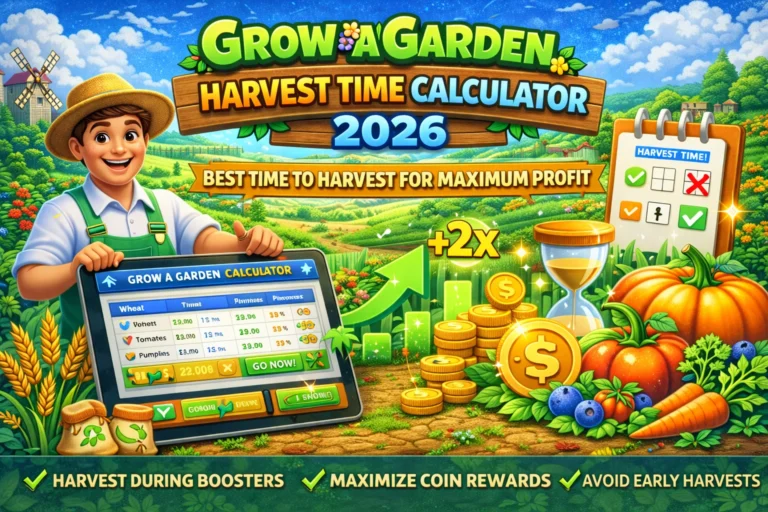
Want to learn Grow a Garden Calculator Harvest Time Guide 2026: Best Time to Harvest for Maximum Profit. We have got it covered for you.
We have got it covered for you.
This guide covers the Roblox game Grow a Garden. All Sheckle values, crop mechanics, and mutation data reflect the current live game state. For exact crop and pet values, use the Grow a Garden Calculator.